

PNG Compressor
Optimize PNG files with lossless compression or clearly labeled lossy color reduction.
 Try an exampleNo image needed · 9 examples
Lossless PNG · keeps transparency
Choose your images
Drag, choose files, or paste a screenshot with Ctrl+V / Cmd+V. Up to 20 images.
Processed on your device. No upload. No account.
PNGUp to 20 files · 21 MB each · Static images only
Image size limits
Up to 20 files · 21 MB each · 25 MP · 10,000 px per side · Static images only
Keep up to 105 MB of results per batch. Output files may exceed the input file size limit.
SEE WHAT’S POSSIBLE
Less weight. Plenty to look at.
A few ideas for your next image. Pick a scene and make it yours.
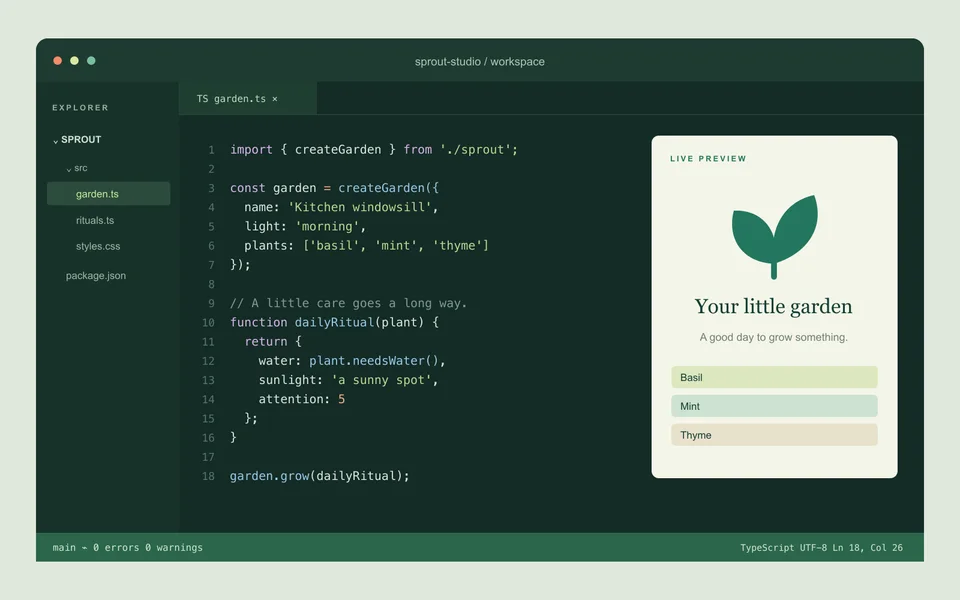
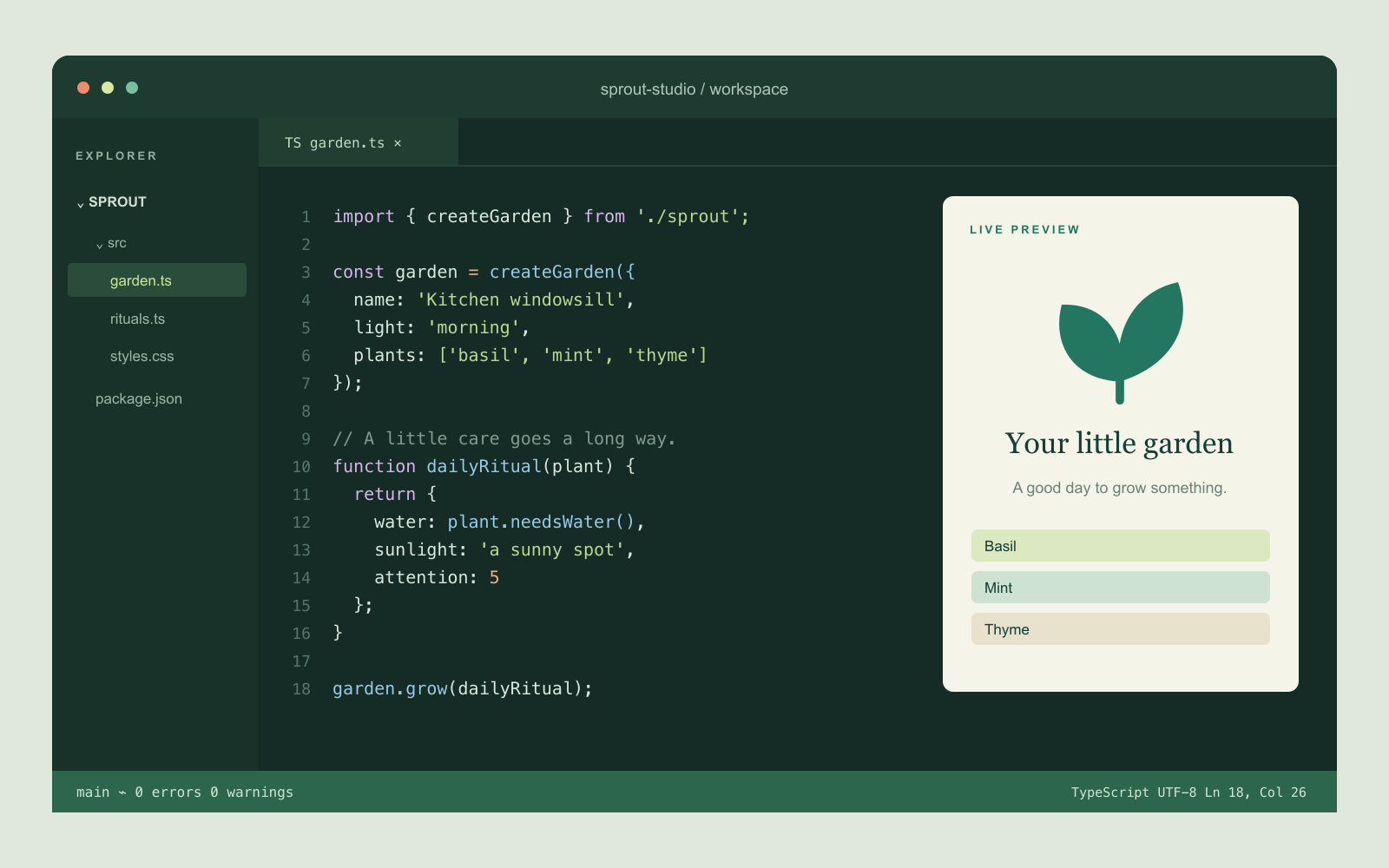
A code screenshot with crisp text
Reduce PNG logos and interface screenshots while checking that text and edges stay clear.
Adds a sample to the tool above. Choose your settings, then process it.
Prepared previews with measured sample file sizes. Your settings and browser determine the actual result.
When to use this converter
Lossless mode optimizes the original PNG without changing pixel values and keeps the original when no saving is found. Lossy mode reduces RGB to 32 levels per channel, preserves alpha and optimizes the new PNG. Actual before-and-after sizes show the saving.
How to use PNG Compressor
- Choose static PNG files.
- Choose lossless optimization or lossy color reduction.
- Optimize and compare actual file sizes before downloading.
Frequently asked questions
What does lossless mode preserve?
It preserves decoded pixel values, including alpha. The PNG structure or metadata may change. If the optimized file is larger, the original is returned.
What changes in lossy mode?
RGB colors are quantized to 32 levels per channel while alpha is kept. This can change gradients and colors. PNG has no Canvas quality slider.