

Batch Image Processor
Build one repeatable rule for resizing, formats, size targets and filenames. Export several specifications from each image.
Choose your images
Drag, choose files, or paste a screenshot with Ctrl+V / Cmd+V. Up to 20 images.
Processed on your device. No upload. No account.
 Try an exampleNo image needed · 9 examplesJPG, JPEG, PNG, WebP, HEIC, AVIF & JFIF
Up to 20 images, 21 MB each, 4 specifications and 105 MB of results. Static images only.
More options
SEE WHAT’S POSSIBLE
From one original to every output.
A few ideas for your next image. Pick a scene and make it yours.
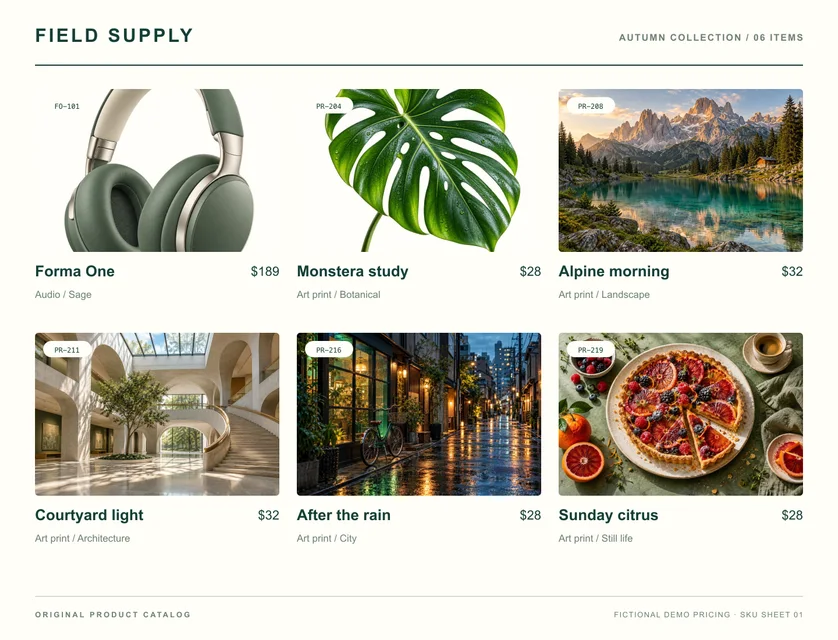
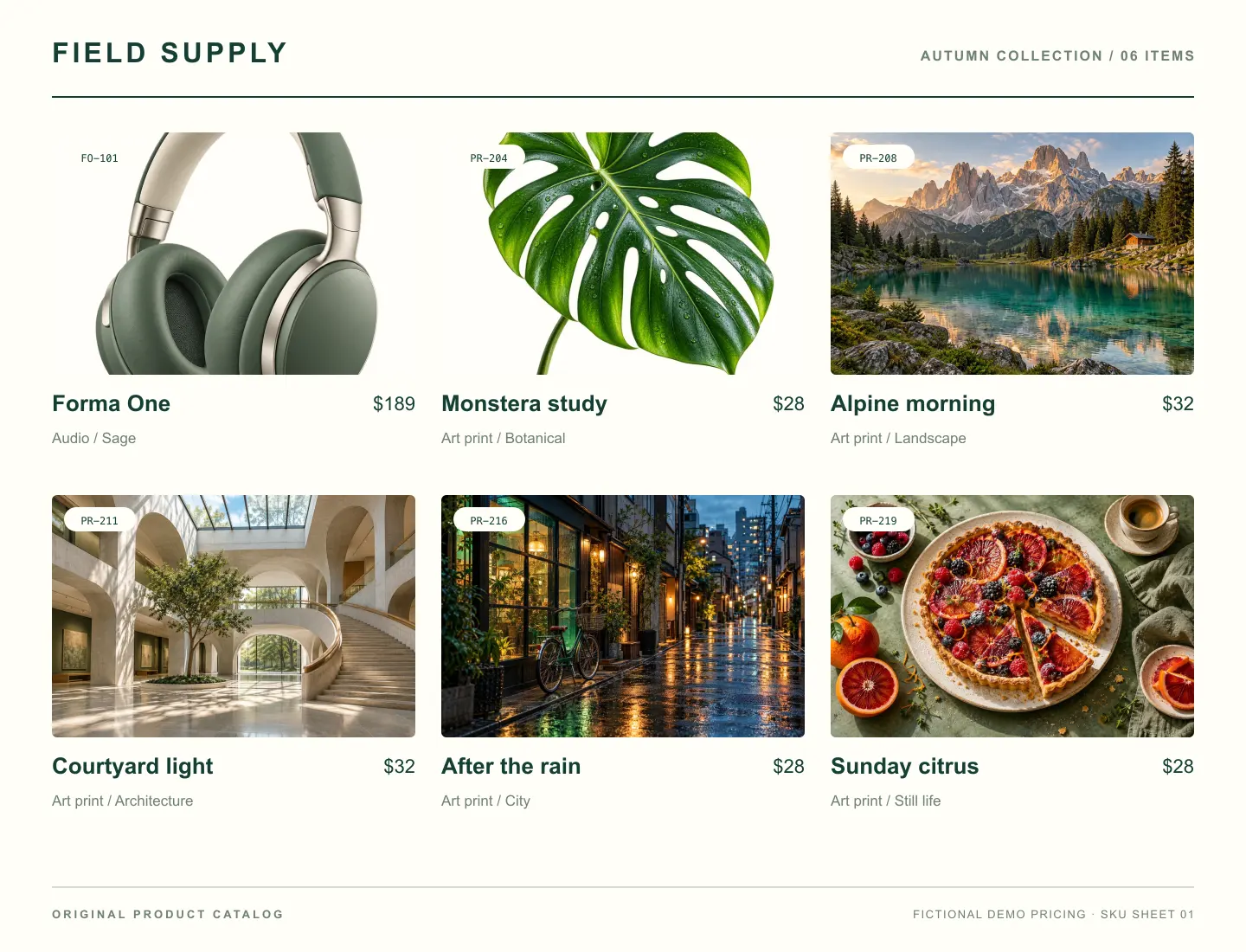
Drag to explore the difference
Product & design01 / 09
Product images for a shop update
Reuse naming, WebP and size settings for batches of product images, processed on your device.
SourcePNG1.3 MB
ResultWEBP153 KB
1440 × 11001440 × 1100
Adds a sample to the tool above. Choose your settings, then process it.
Prepared previews with measured sample file sizes. Your settings and browser determine the actual result.