

Compress Image to 50 KB
Compress an image to fit a 50 KB upload limit.
 Try an exampleNo image needed · 1 examples
Choose your images
Drag, choose files, or paste a screenshot with Ctrl+V / Cmd+V. Up to 20 images.
Processed on your device. No upload. No account.
JPG, JPEG, PNG, WebP, HEIC, AVIF & JFIFGood for photos and common upload forms. Transparent areas get a white background Need to keep PNG?
Up to 20 files · 21 MB each · Static images only
Image size limits
Up to 20 files · 21 MB each · 25 MP · 10,000 px per side · Static images only
Keep up to 105 MB of results per batch. Output files may exceed the input file size limit.
SEE WHAT’S POSSIBLE
Less weight. Plenty to look at.
A few ideas for your next image. Pick a scene and make it yours.
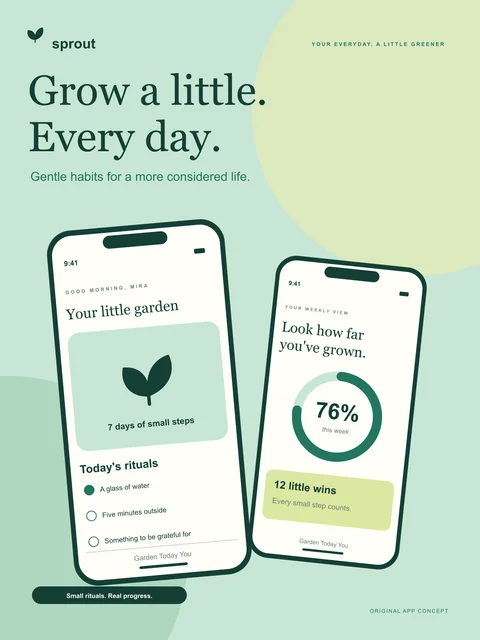
App screenshots for a store page
Compress an image to fit a 50 KB upload limit.
Adds a sample to the tool above. Choose your settings, then process it.
Prepared previews with measured sample file sizes. Your settings and browser determine the actual result.
When to use this converter
Keep dimensions to preserve the current width and height. Allow shrinking if the upload limit matters more than the original resolution.
How to use Compress Image to 50 KB
- Choose your images and JPG or WebP output.
- Confirm the 50 KB limit and choose whether pixel dimensions can shrink.
- Compress, check target status and download.
Frequently asked questions
Why is my result still above the limit?
Try allowing smaller dimensions, or resize the image first and try again. The smallest file found stays available to download.
Will it change the pixel dimensions?
Keep dimensions to preserve the current width and height. Allow shrinking if the upload limit matters more than the original resolution.
What if the form only accepts JPG?
Choose JPG, compress again, and check both the format and the size before uploading.