

PDF to JPG
Render selected PDF pages as JPG images with a choice of resolution.
 Try an exampleNo image needed · 6 examples
Processed on your device. No upload. No account.
PDF: up to 21 MB, 100 pages per document, 50 selected pages, 12 megapixels per output page, 10,000 px per side and 105 MB total results.
Embedded images: up to 25 megapixels and 10,000 px per side. Decoded raster data is limited to 105 MB per page.
SEE WHAT’S POSSIBLE
Let your pages become pictures.
A few ideas for your next image. Pick a scene and make it yours.
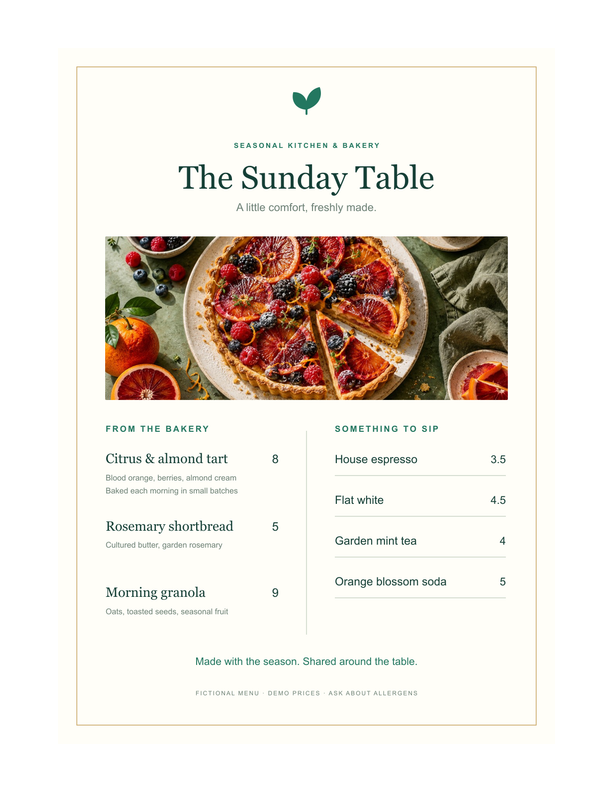
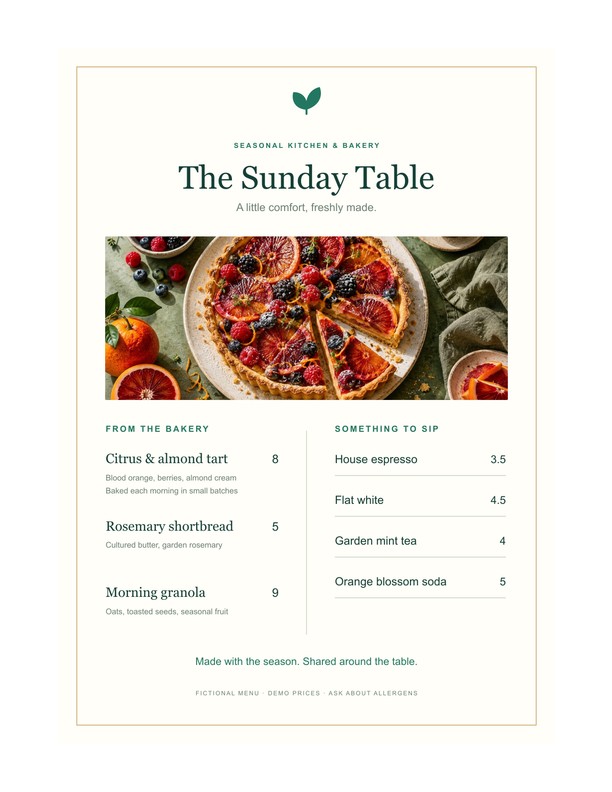
An illustrated menu to share
Export menu or report pages as JPG images for easy sharing in messages.
Adds a sample to the tool above. Choose your settings, then process it.
Prepared previews with measured sample file sizes. Your settings and browser determine the actual result.
When to use this converter
Export complete PDF pages, including text and graphics, as JPG. Choose page ranges and 72, 150 or 300 DPI. Each result shows the page number and actual pixel dimensions. Transparent areas use white.
How to use PDF to JPG
- Choose a PDF document.
- Select pages, resolution and JPG quality.
- Export and download individual pages or a ZIP.
Frequently asked questions
Does this extract the original embedded images?
No. Each PDF page is rendered as one image, including text and graphics. Extracting embedded original images is a separate task.
What are the PDF limits?
Use PDFs up to 21 MB and 100 pages, selecting at most 50 pages per batch. Output pages are limited to 12 megapixels, 10,000 pixels per side and 105 MB total results. Choose fewer pages or lower DPI on phones.