

AVIF Converter
Convert static photos and graphics to AVIF, then check size and dimensions before downloading.
 Try an exampleNo image needed · 3 examples
Static AVIF · keeps transparency
Choose your images
Drag, choose files, or paste a screenshot with Ctrl+V / Cmd+V. Up to 20 images.
Processed on your device. No upload. No account.
JPG, JPEG, PNG, WebP, HEIC, AVIF & JFIFUp to 20 files · 21 MB each · Static images only
Image size limits
Up to 20 files · 21 MB each · 25 MP · 10,000 px per side · Static images only
Keep up to 105 MB of results per batch. Output files may exceed the input file size limit.
More options
SEE WHAT’S POSSIBLE
One image. More possibilities.
A few ideas for your next image. Pick a scene and make it yours.
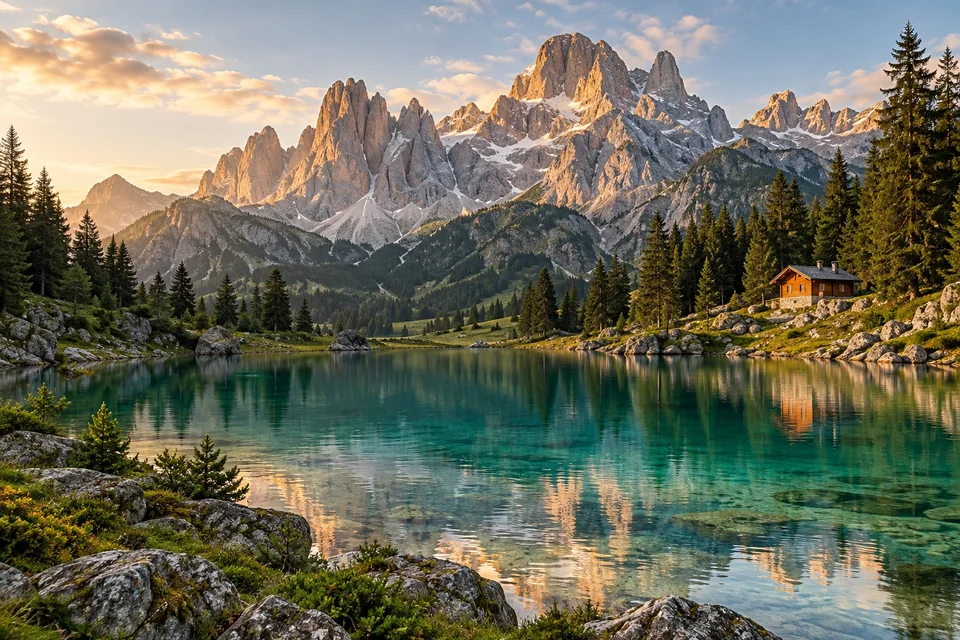
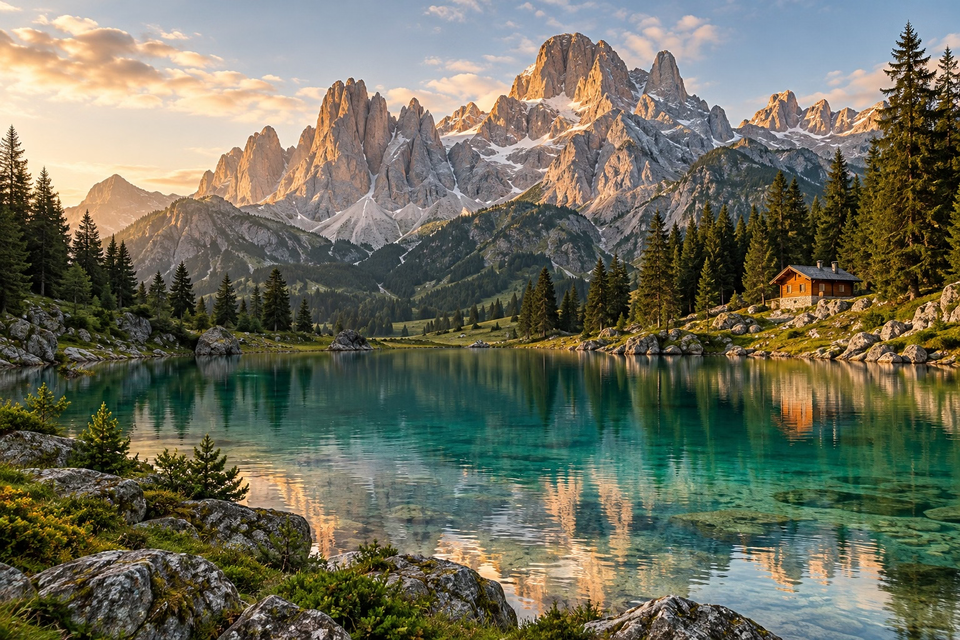
An alpine escape
Try AVIF for website photos, product images and artwork. Adjust quality, compare the result and check that your destination accepts AVIF.
Adds a sample to the tool above. Choose your settings, then process it.
Prepared previews with measured sample file sizes. Your settings and browser determine the actual result.
When to use this converter
Try AVIF for website photos, product images and artwork. Adjust quality, compare the result and check that your destination accepts AVIF.
How to use AVIF Converter
- Choose static image files.
- Set quality and convert to AVIF.
- Compare sizes and download images or a ZIP.
Frequently asked questions
Will AVIF always be smaller?
Compare the actual result. Lower quality may save space at the cost of detail. Encoding can take longer on slower devices.
What happens to transparency and metadata?
Decoded transparency is kept. Only still images are supported. Original HDR, color profiles and metadata may be lost.