

Updated October 9, 2026
Use JPG for photographs
JPG uses lossy compression to keep photos compact. It is a useful choice for sharing, email and photo upload forms. Lower quality may reduce size but can introduce visible artifacts around edges and text. Start with the default 90% and inspect the result.
Use PNG for graphics and transparency
PNG saves decoded pixels without further lossy compression and supports transparent areas. Choose it for logos, interface screenshots and graphics that need clean edges. A PNG copy of a JPG cannot restore detail lost earlier, and converting JPG to PNG does not remove its background.
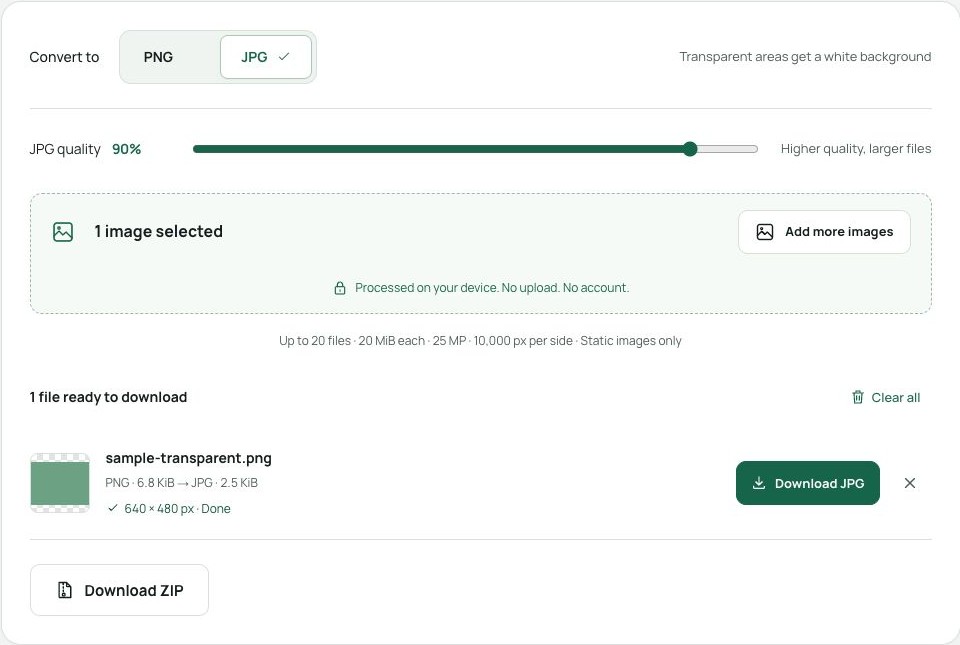
Try the same image in both formats
Choose a file, select PNG or JPG, and convert. The result row shows its dimensions and file size. Download and inspect the image before replacing your original. When converting transparent PNG to JPG, expect a white background; use PNG if transparency matters.