

Remove Image Metadata
Remove private EXIF/GPS, XMP, IPTC, comments and text from JPEG, PNG and WebP without recompressing pixels.
Processed on your device. No upload. No account.
JPEG, PNG, WebP
Up to 20 files; SVG 2 MiB each, other images 20 MiB each; 100 MiB total input/results; 25 MP and 10,000 px per side.
 Try an exampleNo image needed · 1 examples
Color profiles and a minimal orientation tag are retained to keep colors and display direction. Other metadata is removed; this does not hide visible information in the image.
SEE WHAT’S POSSIBLE
One image. More possibilities.
A few ideas for your next image. Pick a scene and make it yours.
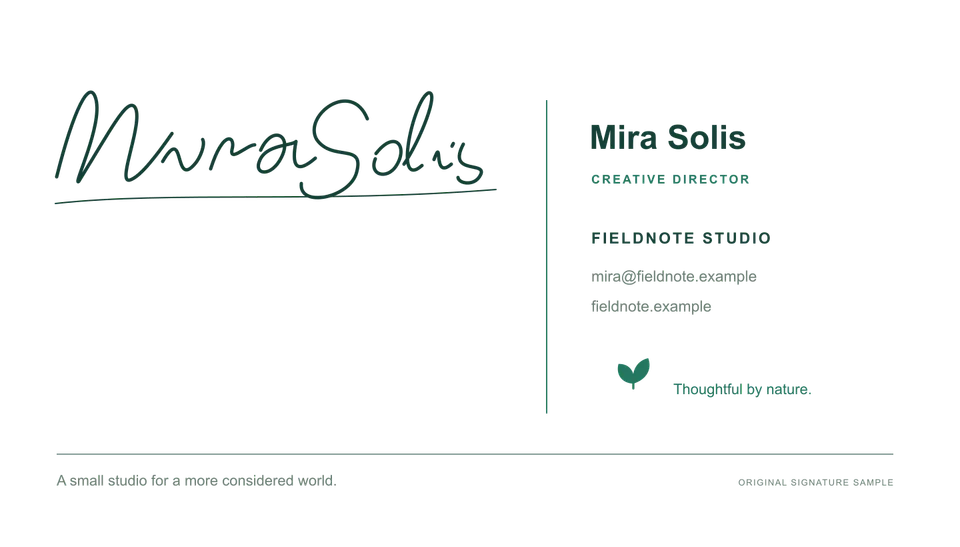
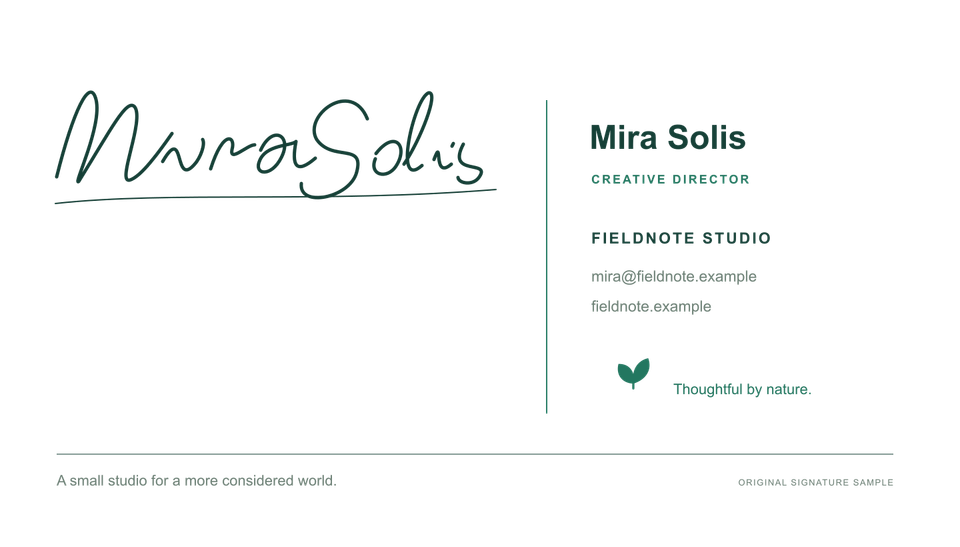
A signature for your documents
Remove private EXIF/GPS, XMP, IPTC, comments and text from JPEG, PNG and WebP without recompressing pixels.
Adds a sample to the tool above. Choose your settings, then process it.
Prepared previews with measured sample file sizes. Your settings and browser determine the actual result.
When to use this converter
Remove private EXIF/GPS, XMP, IPTC, comments and text from JPEG, PNG and WebP without recompressing pixels. Color profiles and a minimal orientation tag are retained to keep colors and display direction. Other metadata is removed; this does not hide visible information in the image.
How to use Remove Image Metadata
- Choose files
- Process files
- Download ZIP
Frequently asked questions
Are my images uploaded?
Processed on your device. No upload. No account.