

PDF to PNG
Render PDF pages as PNG images with clear page sizes and resolution settings.
 Try an exampleNo image needed · 6 examples
Processed on your device. No upload. No account.
PDF: up to 21 MB, 100 pages per document, 50 selected pages, 12 megapixels per output page, 10,000 px per side and 105 MB total results.
Embedded images: up to 25 megapixels and 10,000 px per side. Decoded raster data is limited to 105 MB per page.
SEE WHAT’S POSSIBLE
Let your pages become pictures.
A few ideas for your next image. Pick a scene and make it yours.
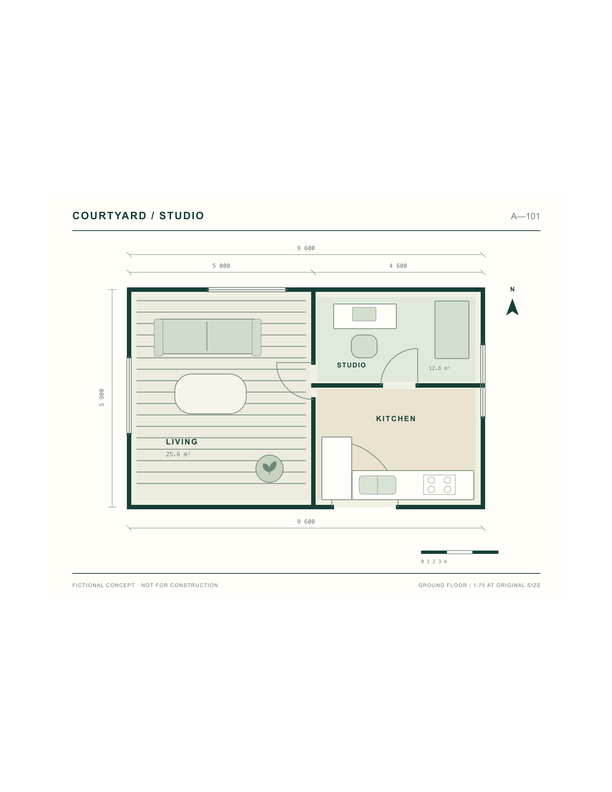
A floor plan with fine lines
Turn PDF plans and diagrams into PNG images to inspect small text and fine lines.
Adds a sample to the tool above. Choose your settings, then process it.
Prepared previews with measured sample file sizes. Your settings and browser determine the actual result.
When to use this converter
Export complete pages with text and graphics in PNG. Choose a page range and 72, 150 or 300 DPI. PNG saves the rendered pixels without additional lossy compression, and each result shows its actual dimensions.
How to use PDF to PNG
- Choose a PDF document.
- Select the page range and resolution.
- Export and download pages individually or together in a ZIP.
Frequently asked questions
How are output dimensions calculated?
PDF page dimensions are measured in points. Rendering scales them by DPI divided by 72, with page rotation included. The actual pixel dimensions appear beside every result.
Can encrypted PDFs be converted?
Password-protected PDFs are not supported. Unlock them first. Damaged files or pages show an error while successful rendered pages remain downloadable.